
Table of Contents
The Transfer Mass Funds feature allows administrators to add or deduct credits (COIN) for one or multiple members at the same time.
Navigation path: Admin Dashboard > e-Wallet > Transfer Mass Funds
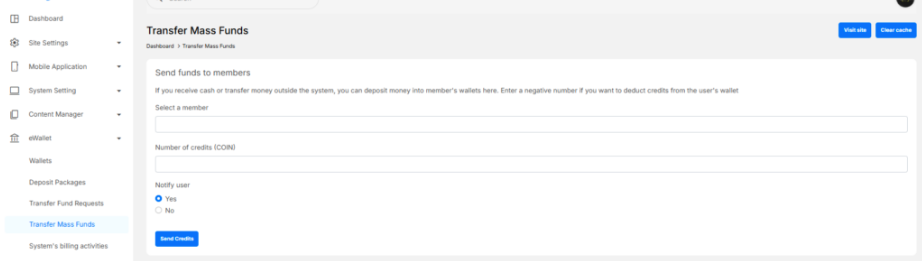
Send Funds to Members #
- In the Select a member field, choose one or more users
- Enter the Number of credits (COIN):
- Enter a positive number to add credits to the user’s wallet
- Choose whether to Notify user:
- Yes: The user will receive a notification
- No: No notification will be sent
- Click Send Credits to complete the action
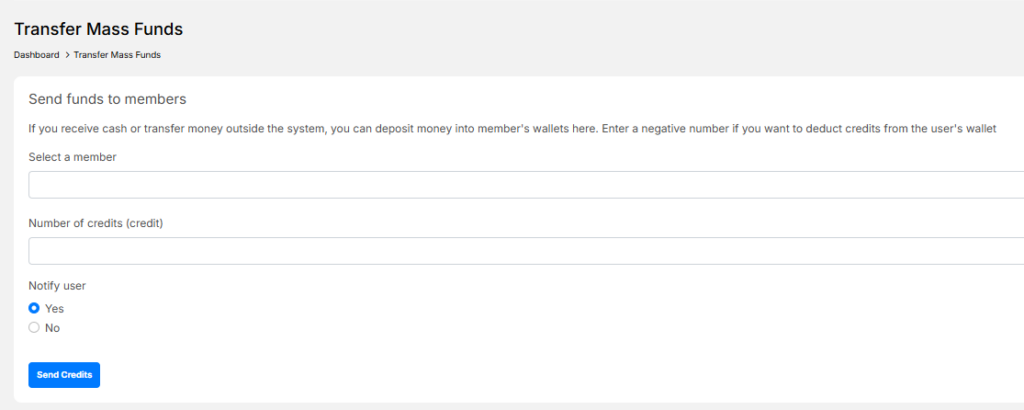
Deduct Funds to Members #
Enter a negative number to deduct credits from the user’s wallet


